1G.Change the status of the bill
🕒 最後更新:2026-04-26 20:34Q: What is the purpose of changing the status of the bill?
A: To return/refund, it happens when the customers find there are some errors ( wrong charge) after they paid.
The fellow content is the guide to changing the status of the bill
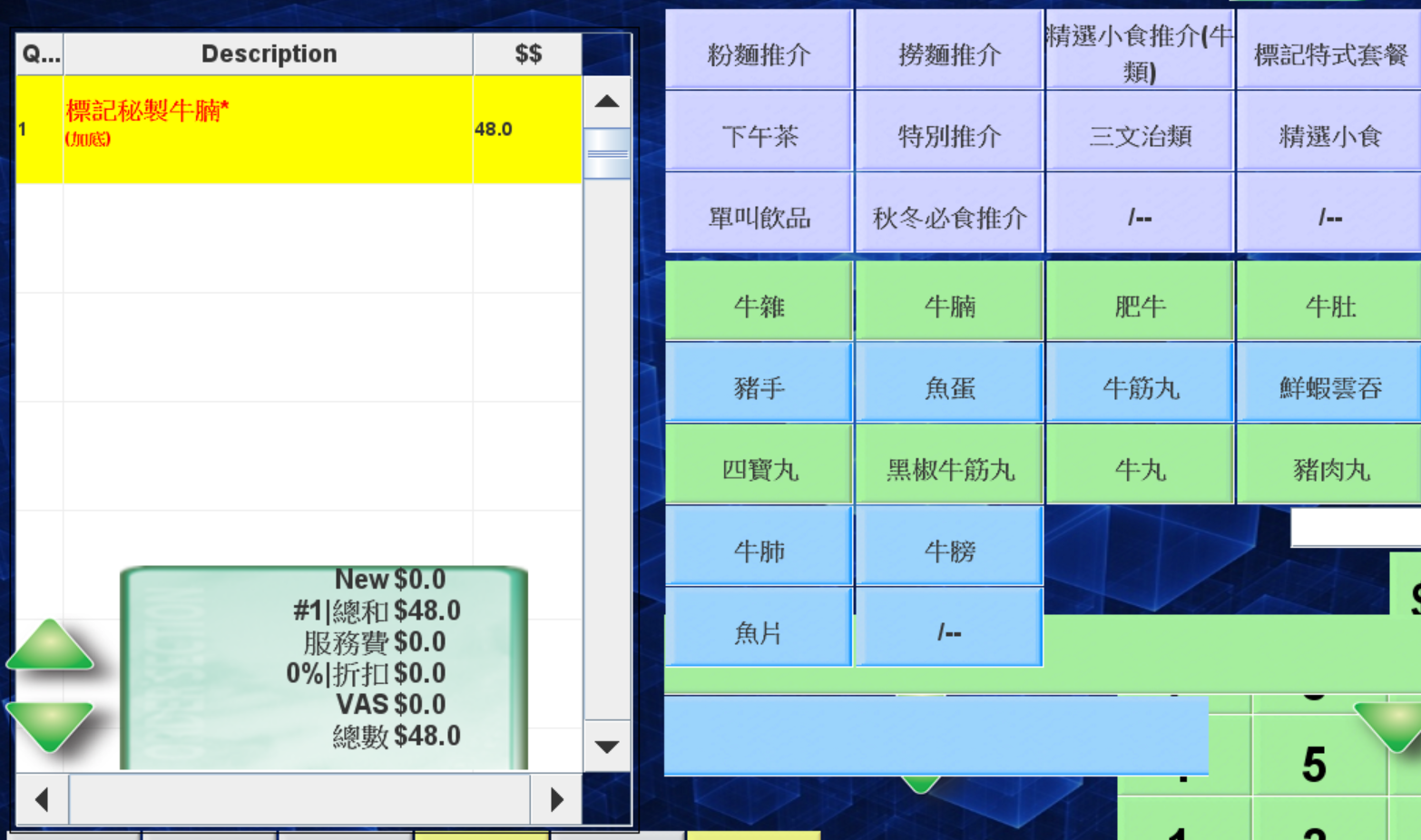
The restaurant must ensure the table is available when changing the status of the bill
(If users want to change the bill of table10, users must confirm table10 is not in use when doing the change)
The procedure:
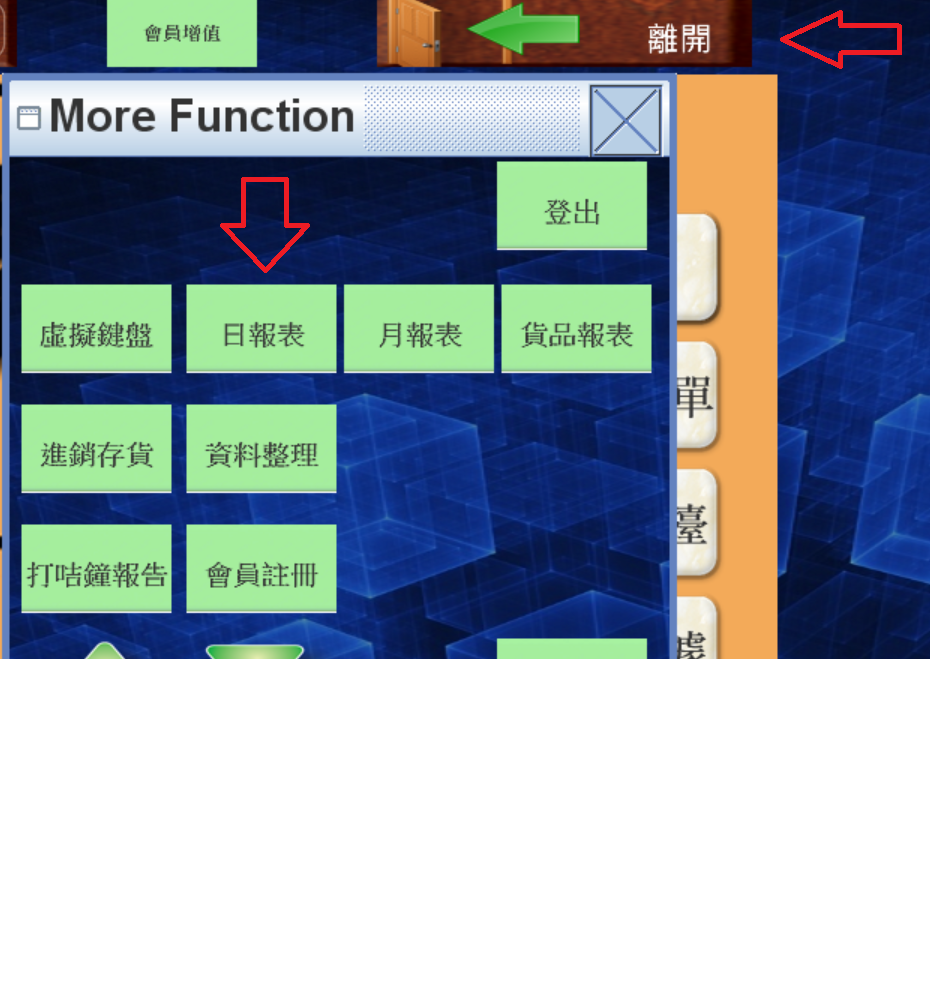
Click daily report in POS
1.設定 --> 2. 日報表
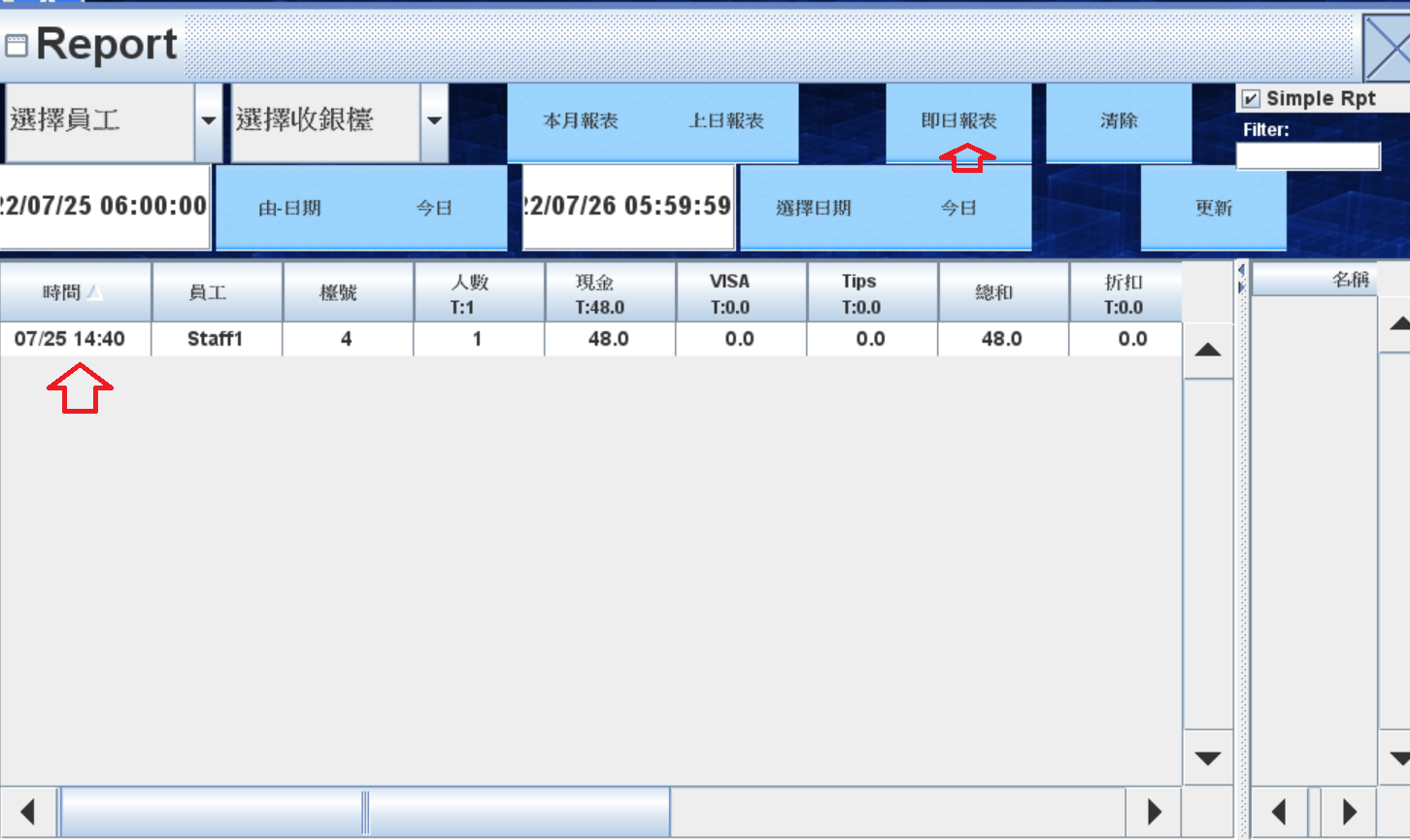
2. Find the belong bill and right click the time of the bill (see figure)
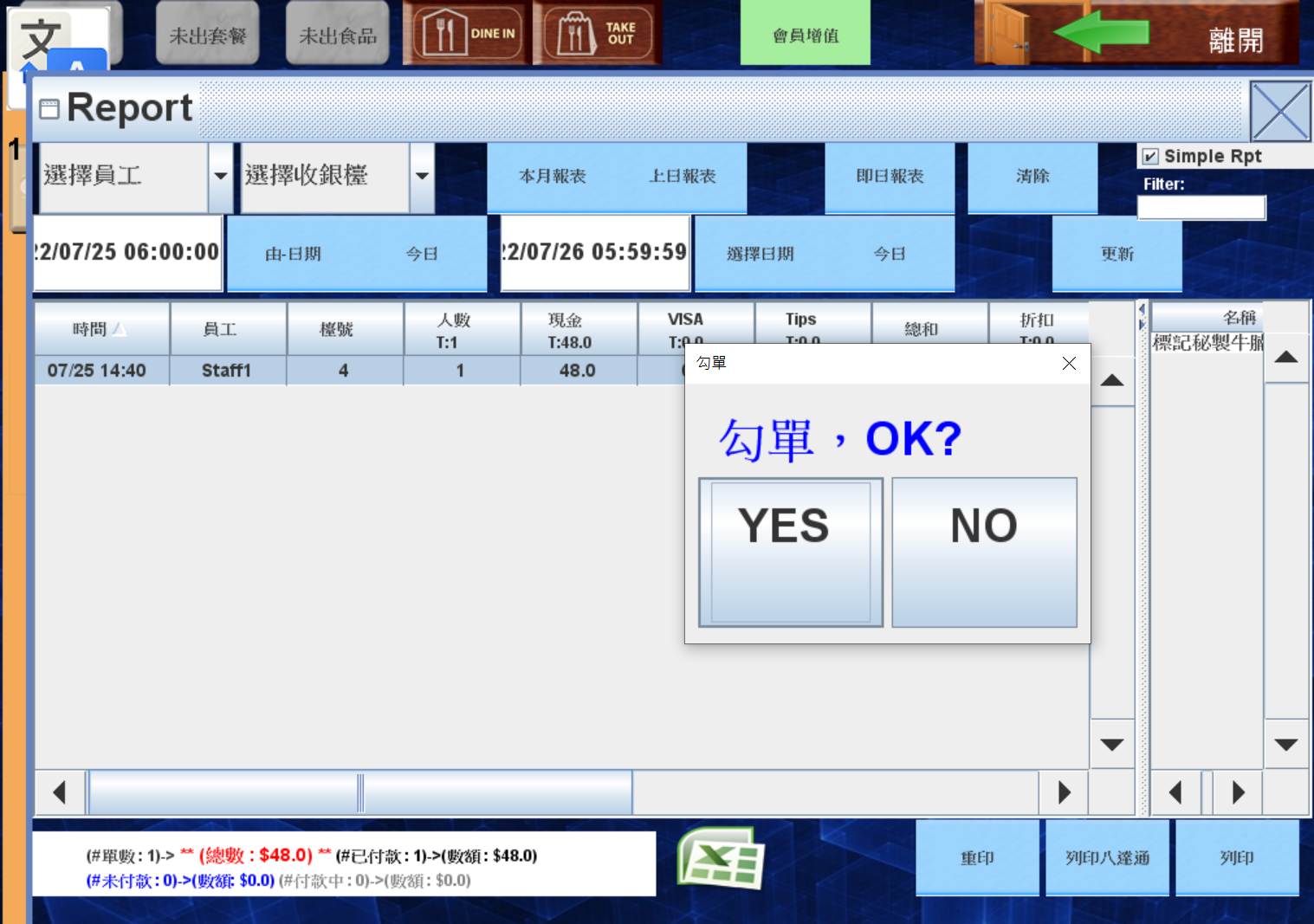
3. System will ask if users confirm to change the status of the bill , press yes and enter the login password
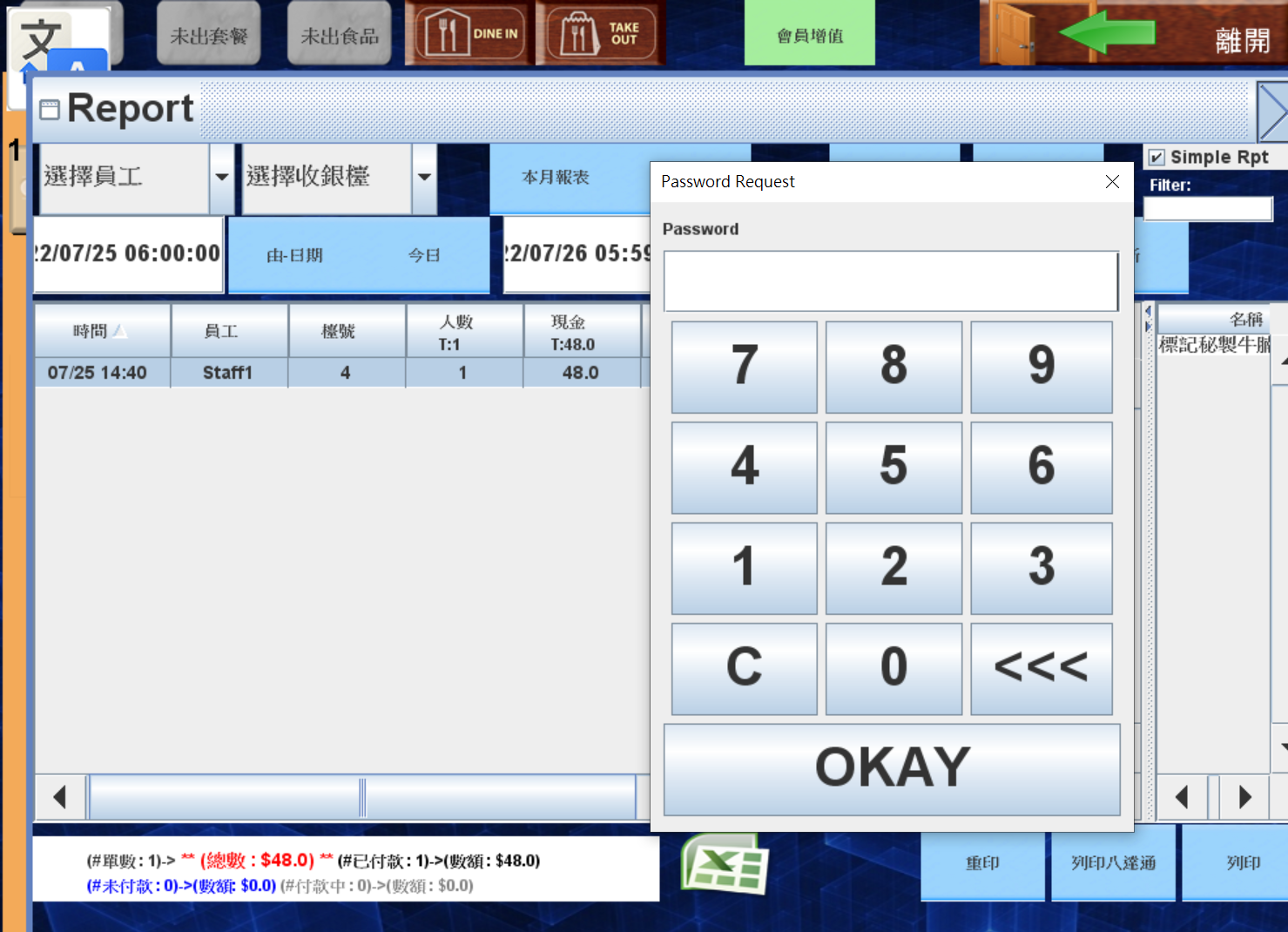
4. Back to pos,the status of the bill will changed to not paid.
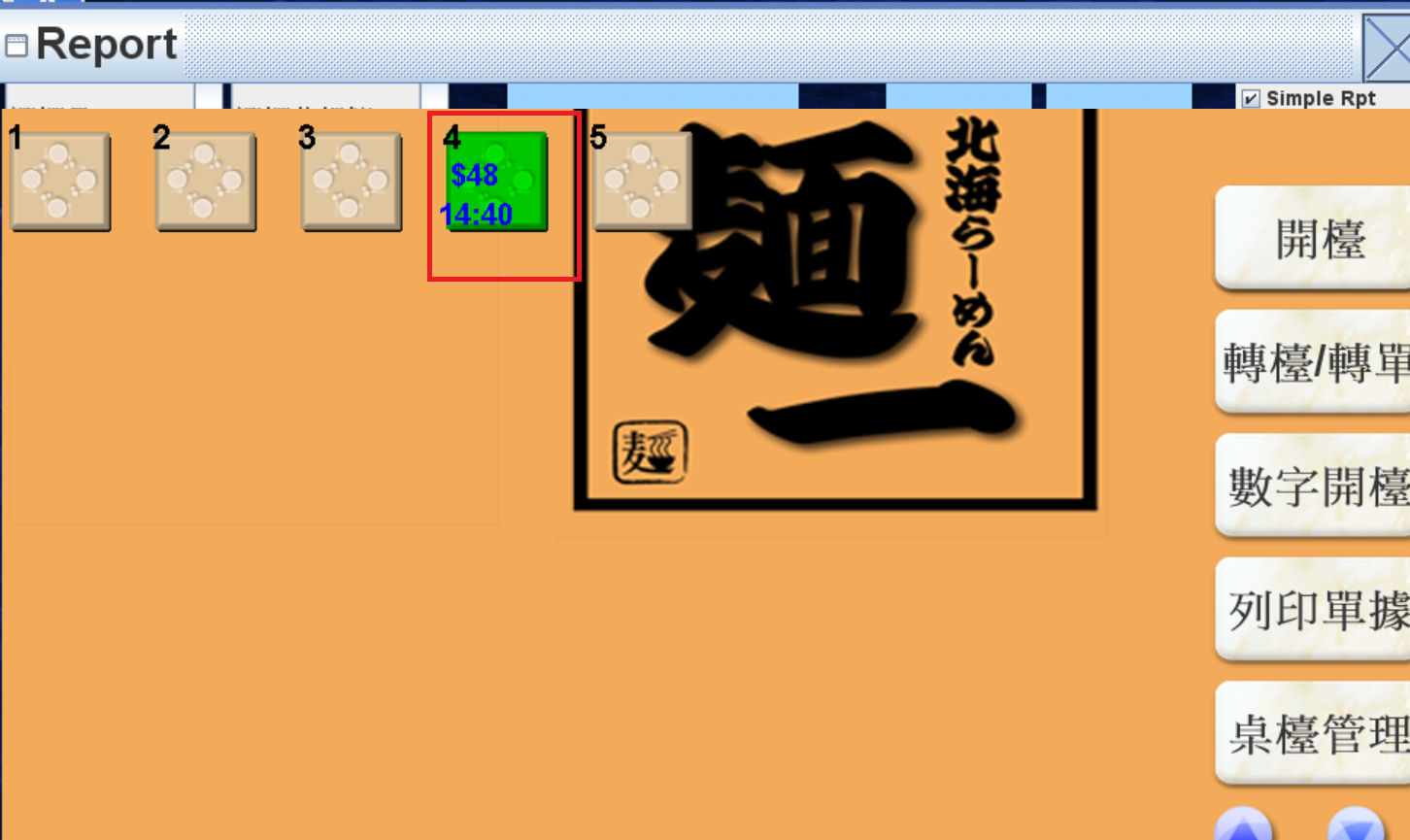
5.Recheck after the editing