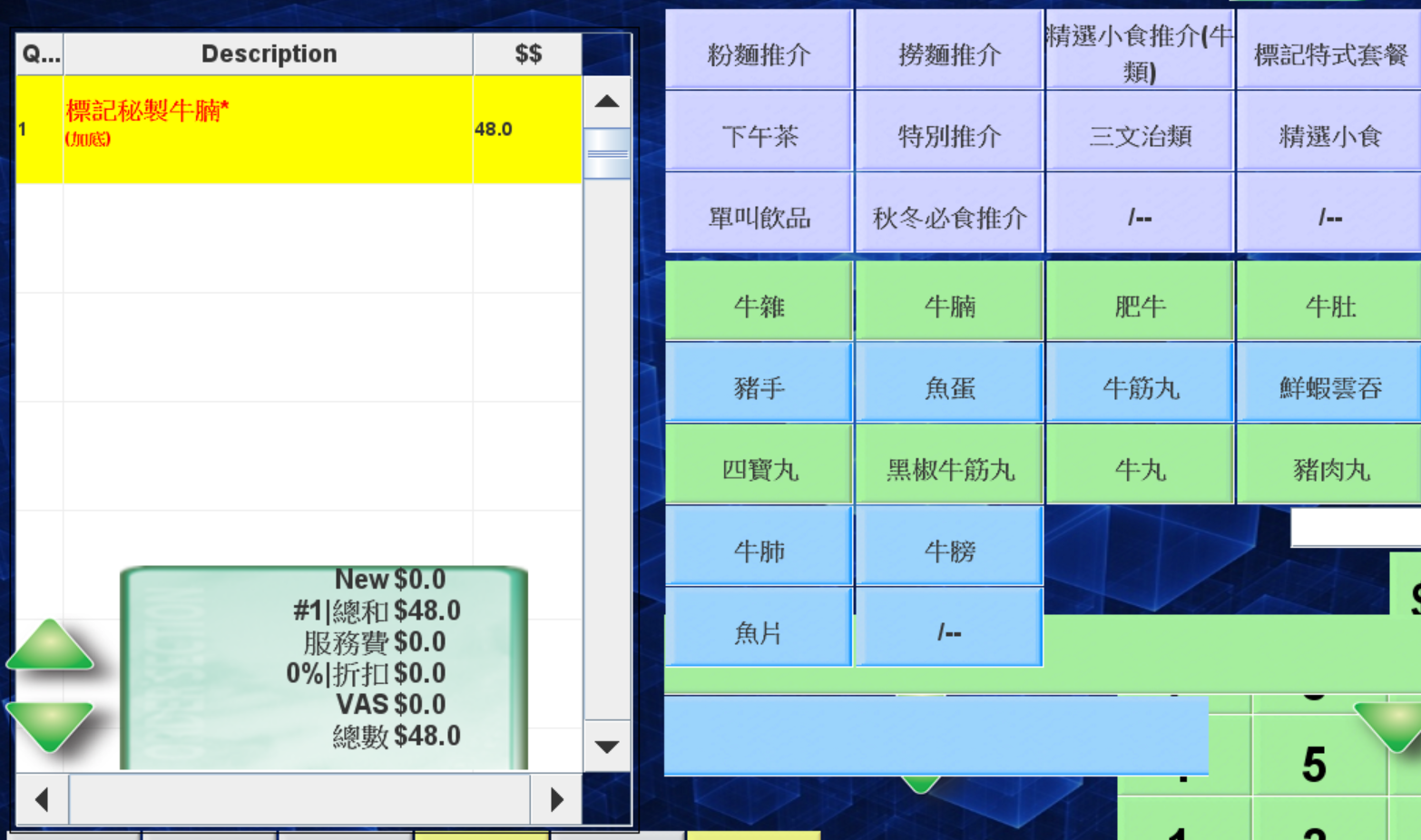
1E.Change the bill status from paid to unpaid
🕒 最後更新:2026-04-26 20:34Q: Why do I need to change the bill status?
A: It happens when the customer found there are some errors in the bill after pay, so the staff may change the bill status to do some changes
The fellow tutorial will introduce how to change the bill status
The Restaurant must confirm the table is available before doing the changes
The procedure:
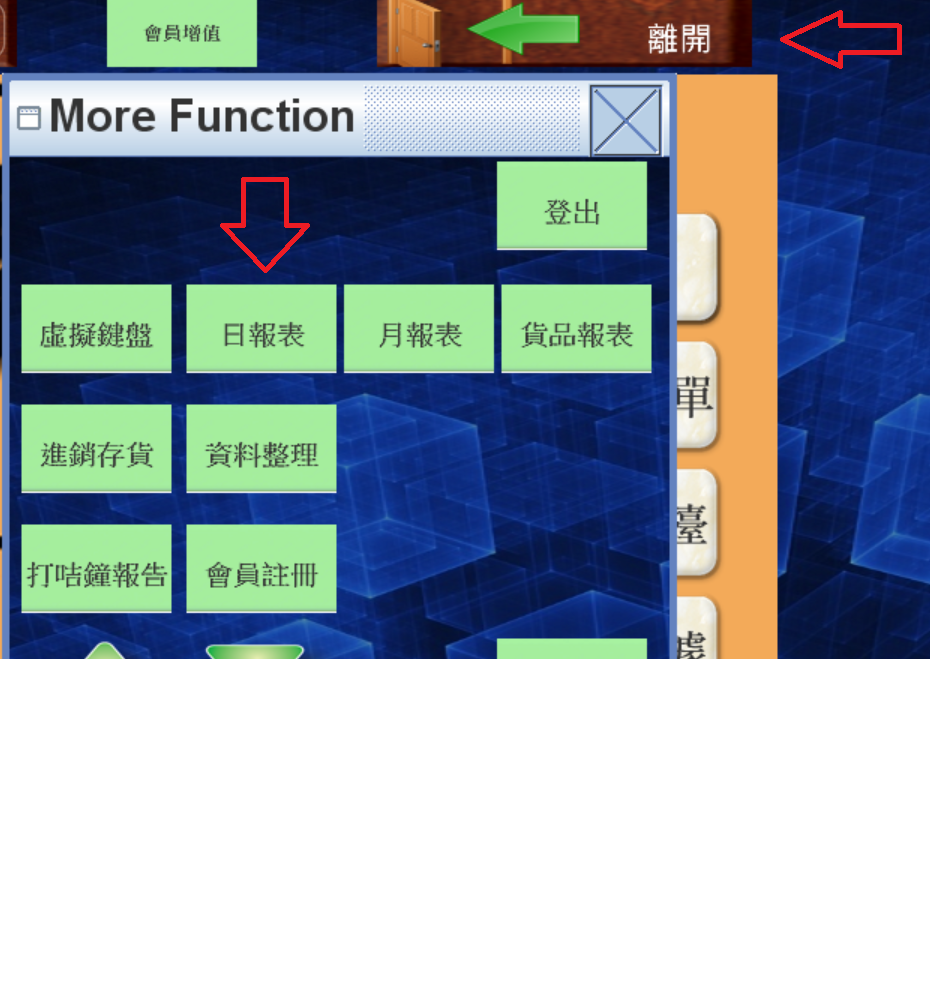
- Select Daily Report in POS
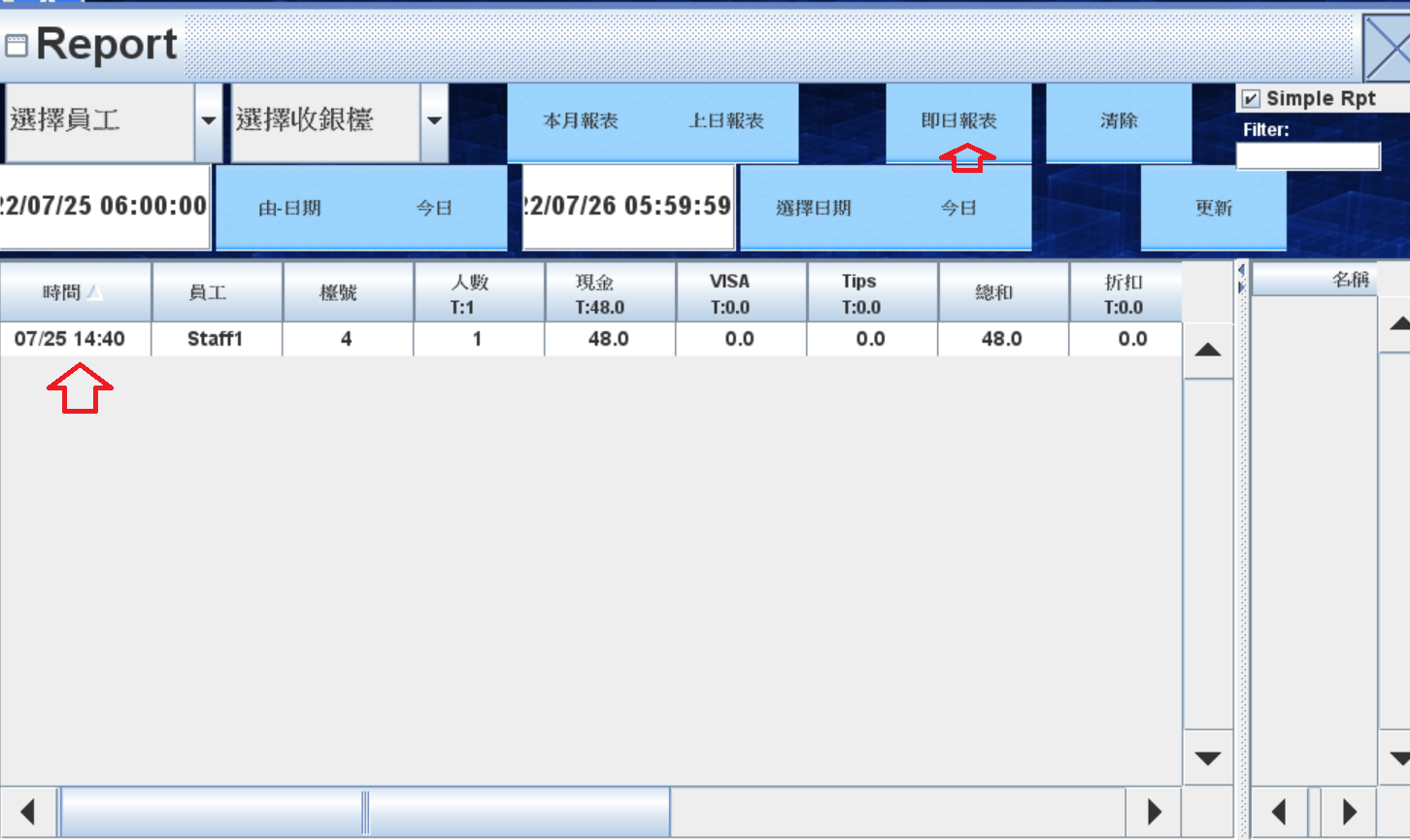
2. Find the relevant bill in the daily report and right click the time
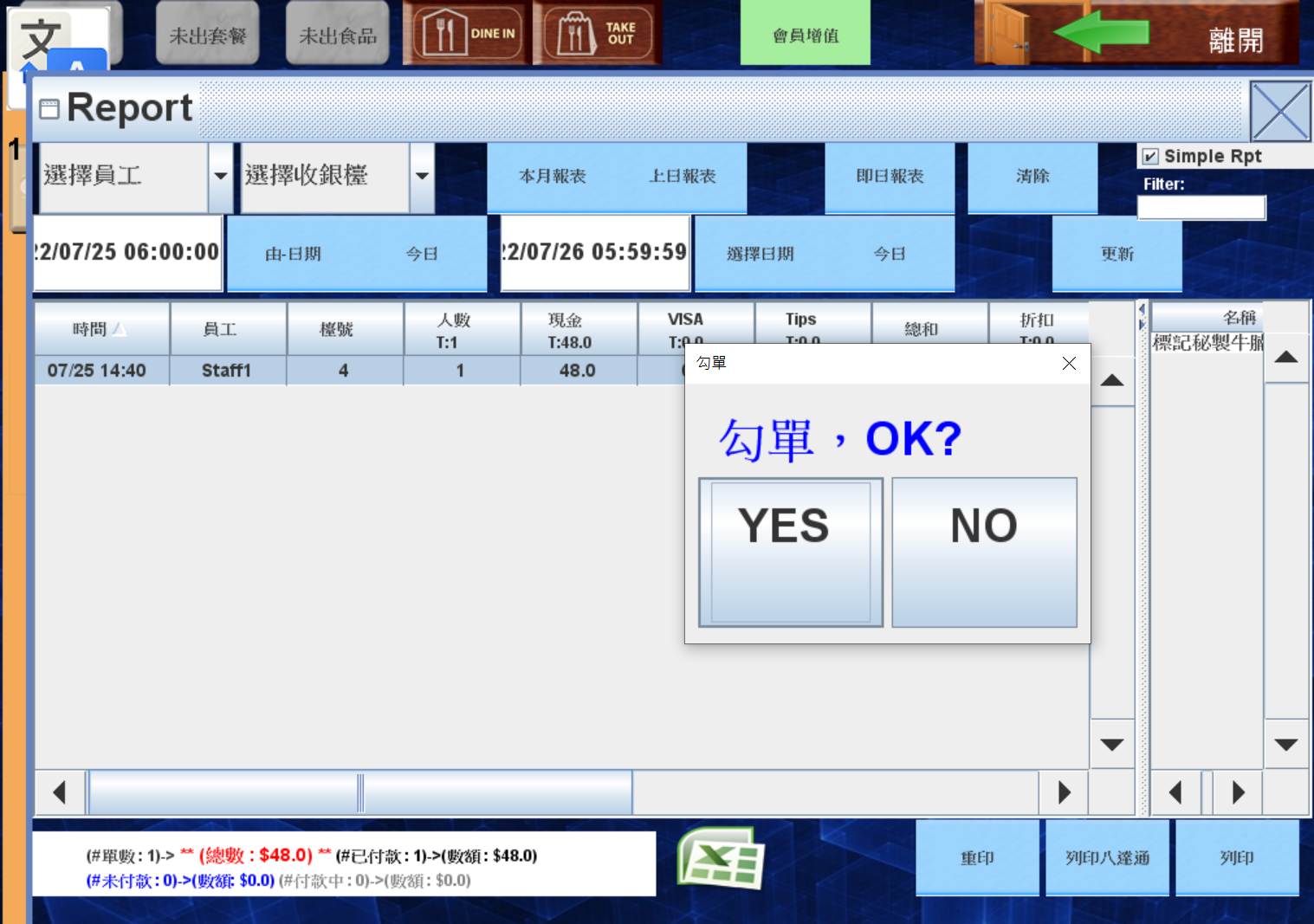
3. System asks whether going to change the status , press yes and type the password
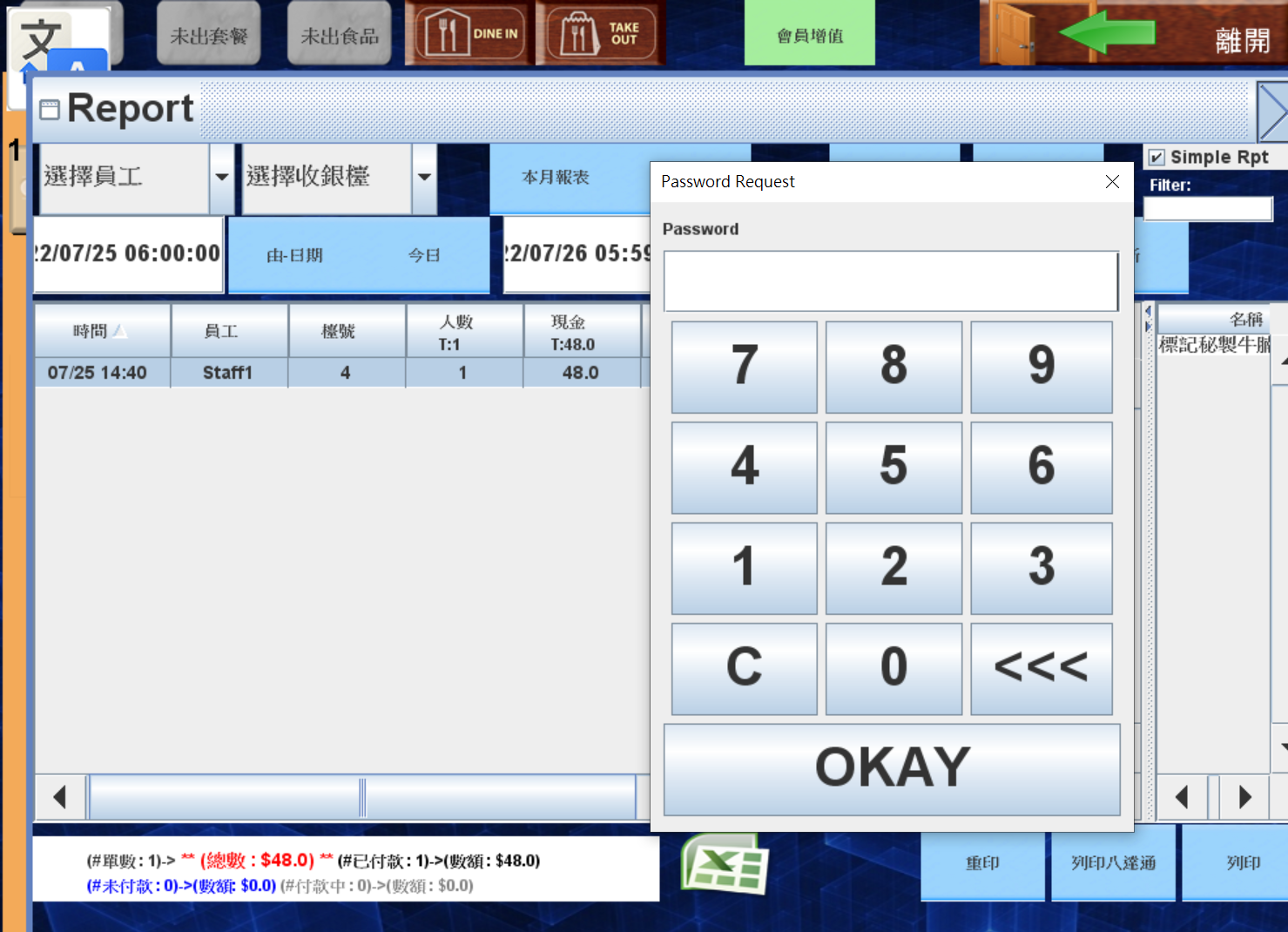
4. Back to POS , the bill should be changed to not paid
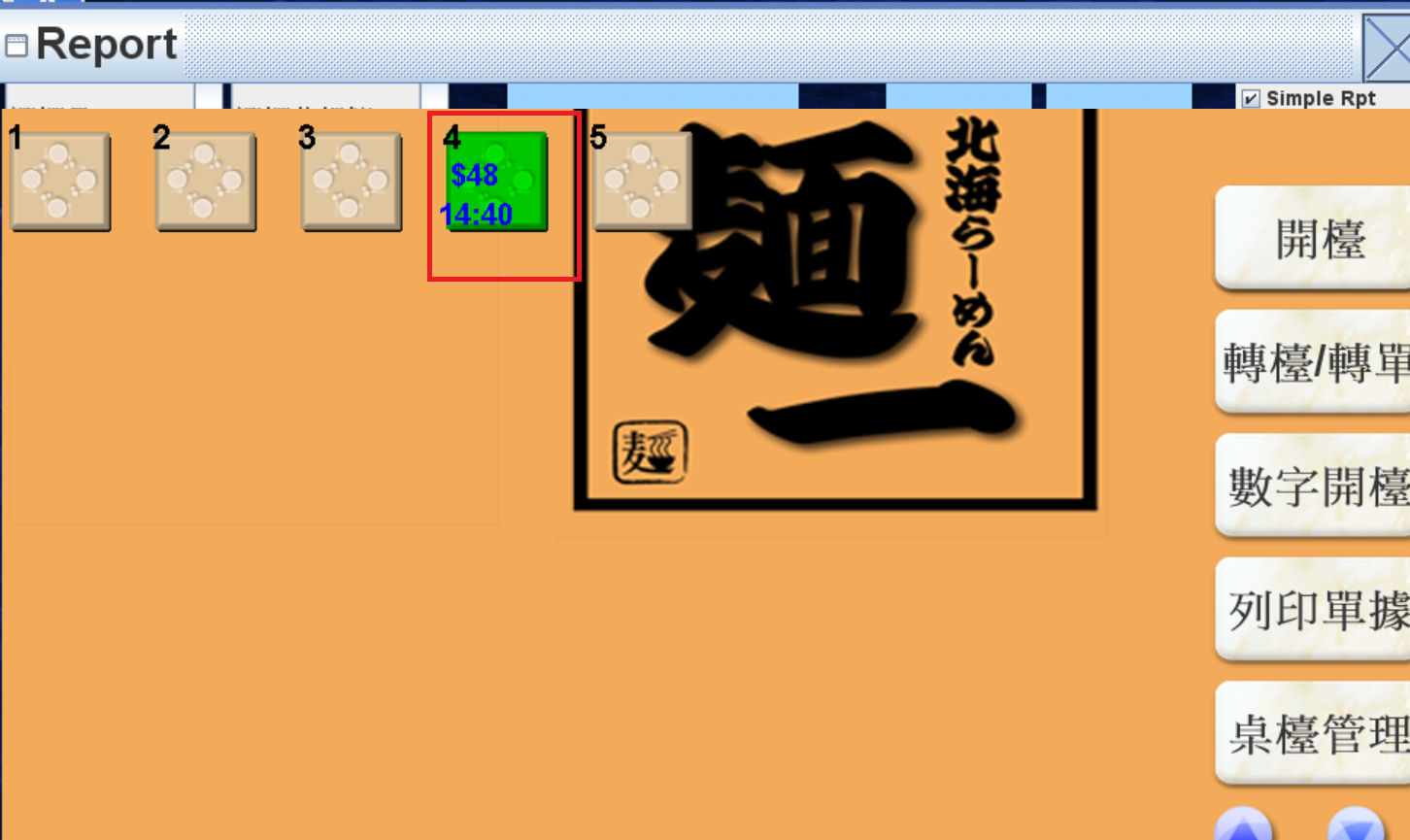
5. Open the table and do the edit.