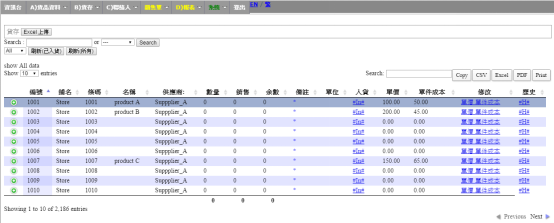
Stock in on backend
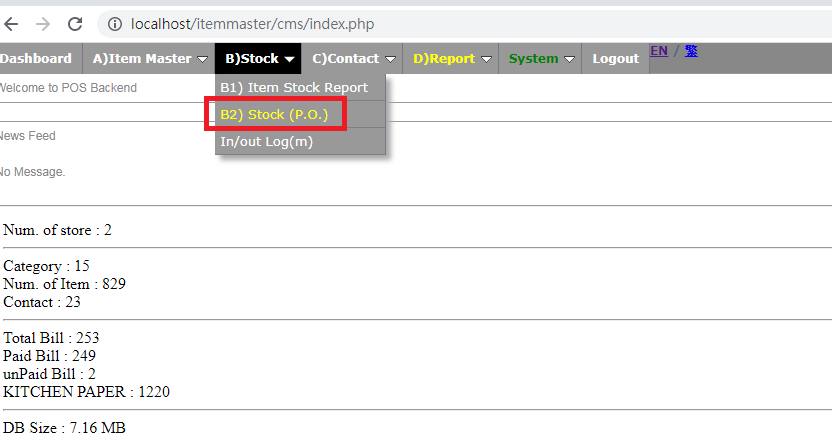
🕒 最後更新:2026-04-26 20:33Login Backend ,Choose Stock --> B2 Stock (P.O.)
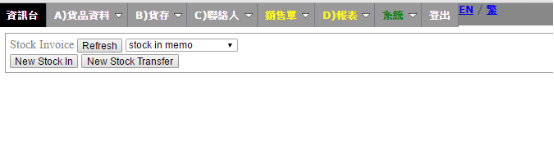
Press New stock in
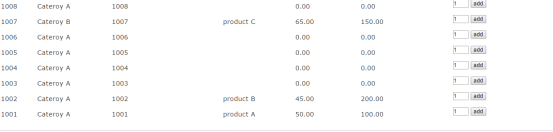
When this page successfully shown,pull down the product list and choose the number of the stock in product.
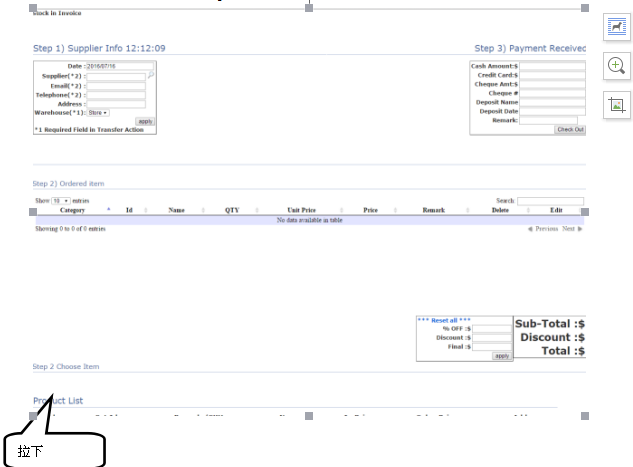
Choose stockin product,press add
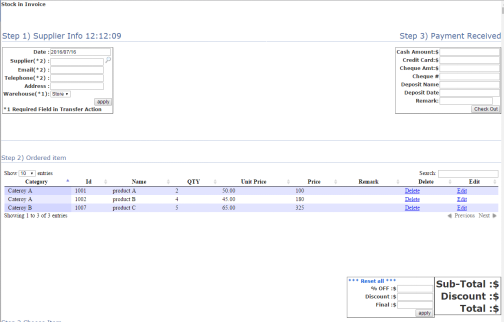
The product will appear on the ordered item list,enter the correct info and press Check out
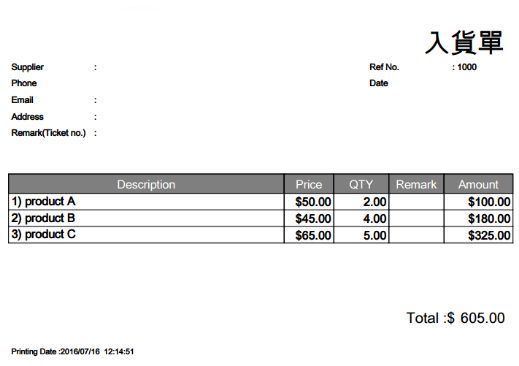
After check out,this page will be shown
Stock -> product( The info you just enter will be shown)