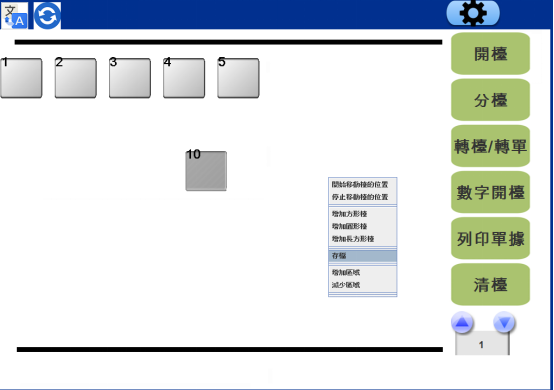
2D.POS system add and move table
🕒 最後更新:2026-04-26 20:34Q: Why do customers need to add/move tables in POS
A: POS system will only help customers do the first set.
When users once move the table / add the table, then need to add in POS
method:
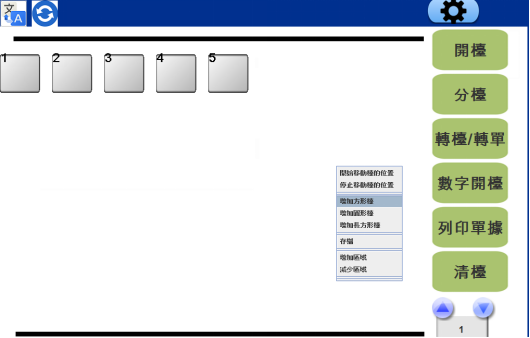
- Right click in the blank area and press '增加方形檯'
2. Enter the table number according to the numbers
name: table name
*****Don't change other values*****
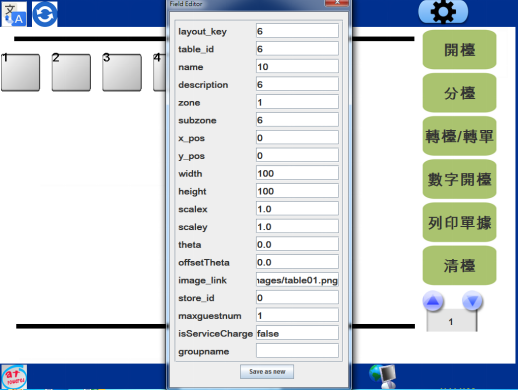
Enter takeout in group name if users need to add take away table
If users want to know more about the parameter, may check this link
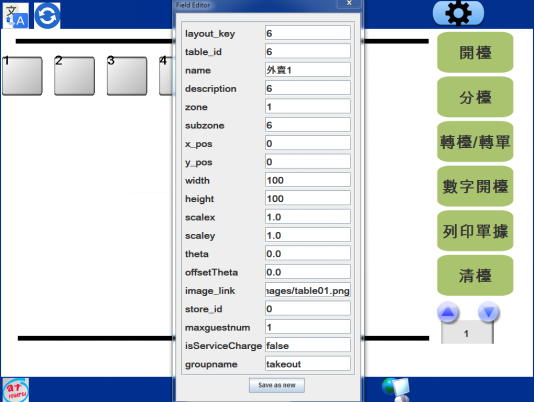
3. Press Save new after editing
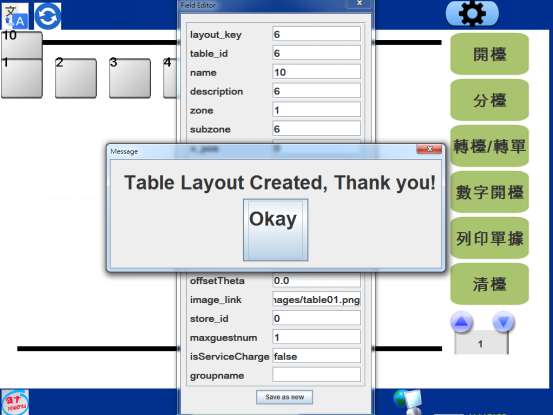
4. Top left hand corner will show users new added table
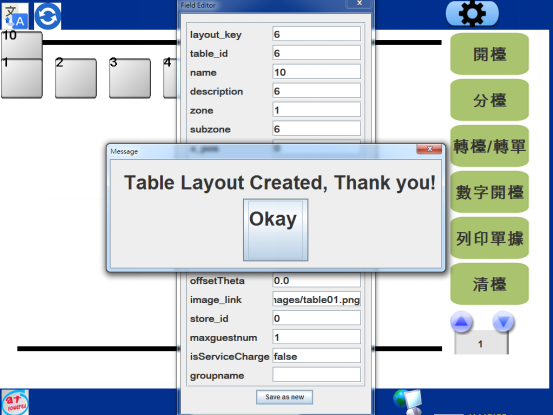
5. Use mouse to move the table
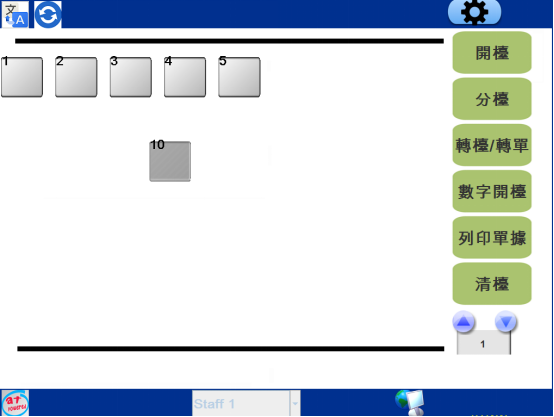
6. If users want to move the table again,right click in the blank area, and press "移動方形檯"
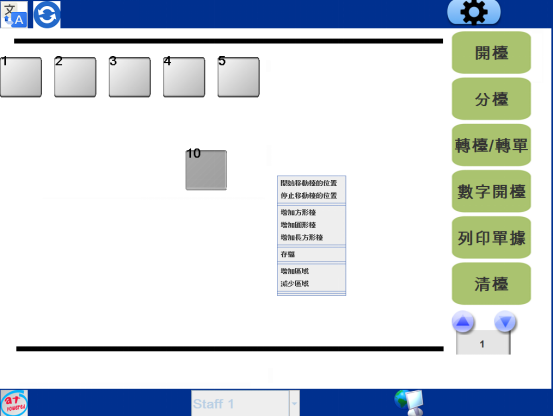
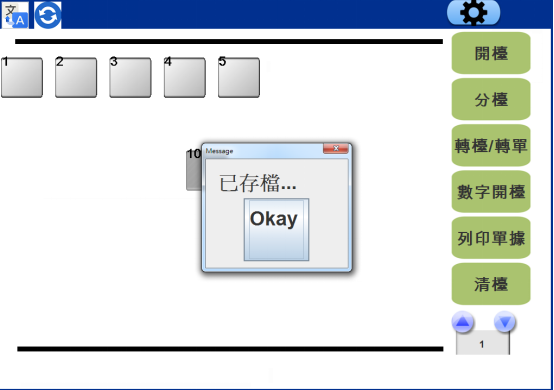
7. Right click and click save