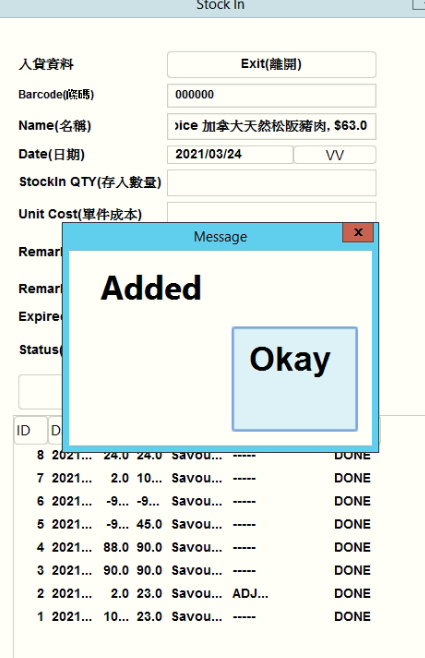
Stockin and stockout in POS 2021
🕒 最後更新:2026-04-26 20:34Enter the pos system, and press 離開--> 進銷存貨
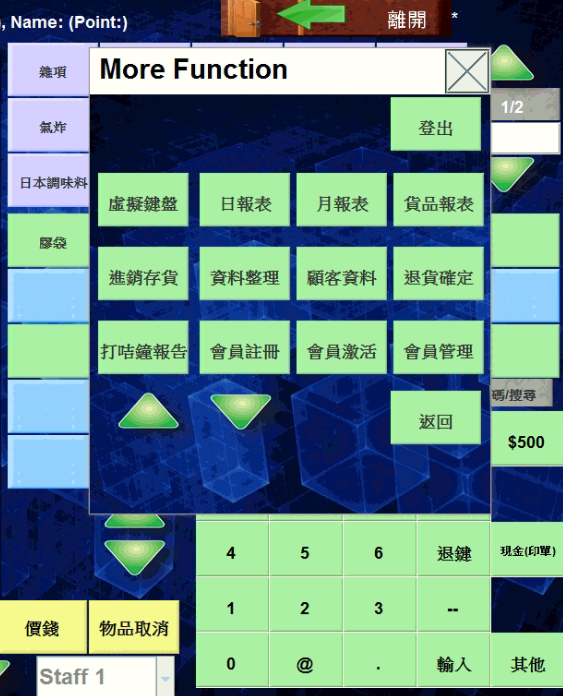
This view will be shown after you press 進銷存貨
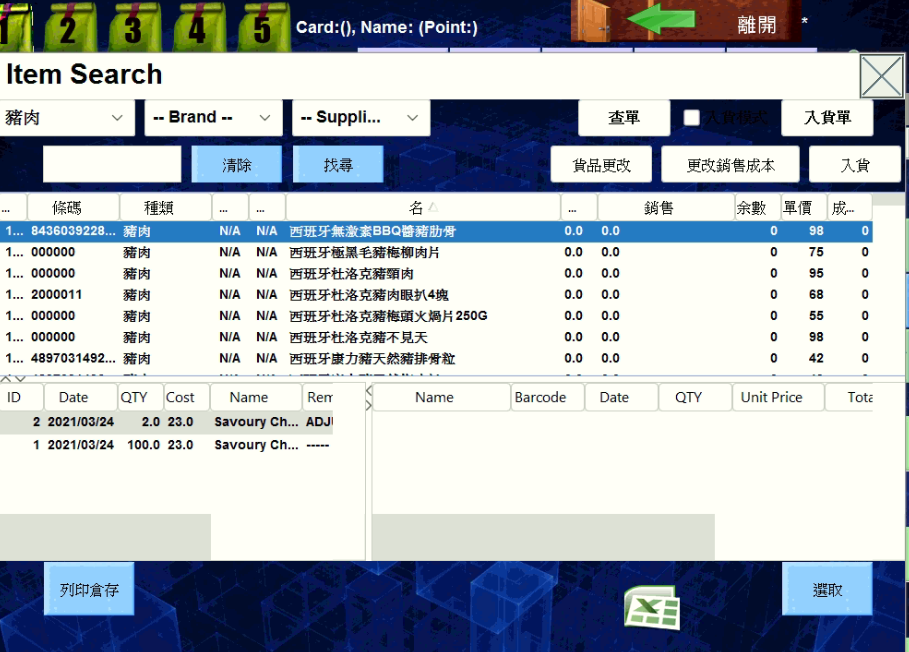
Select the products you want to edit, and this view will be shown
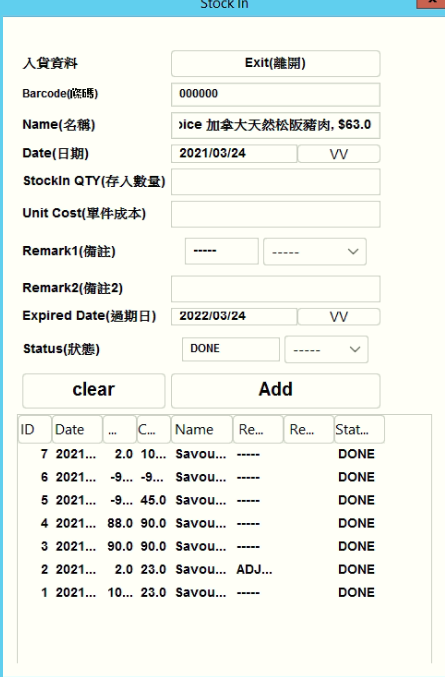
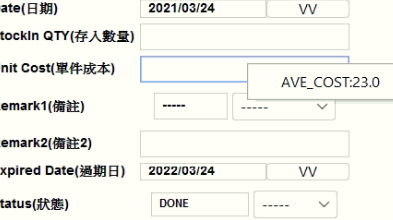
Stockin QTY is the number of product you want to stockin
When you typo and stockin the wrong number, for instance you stockin more two item, u may enter -2 to reduce it
Unit cost is the cost of your product,the avg cost will be shown if you right click in the column
After finish the information, press add then finish