Stock Take 2021
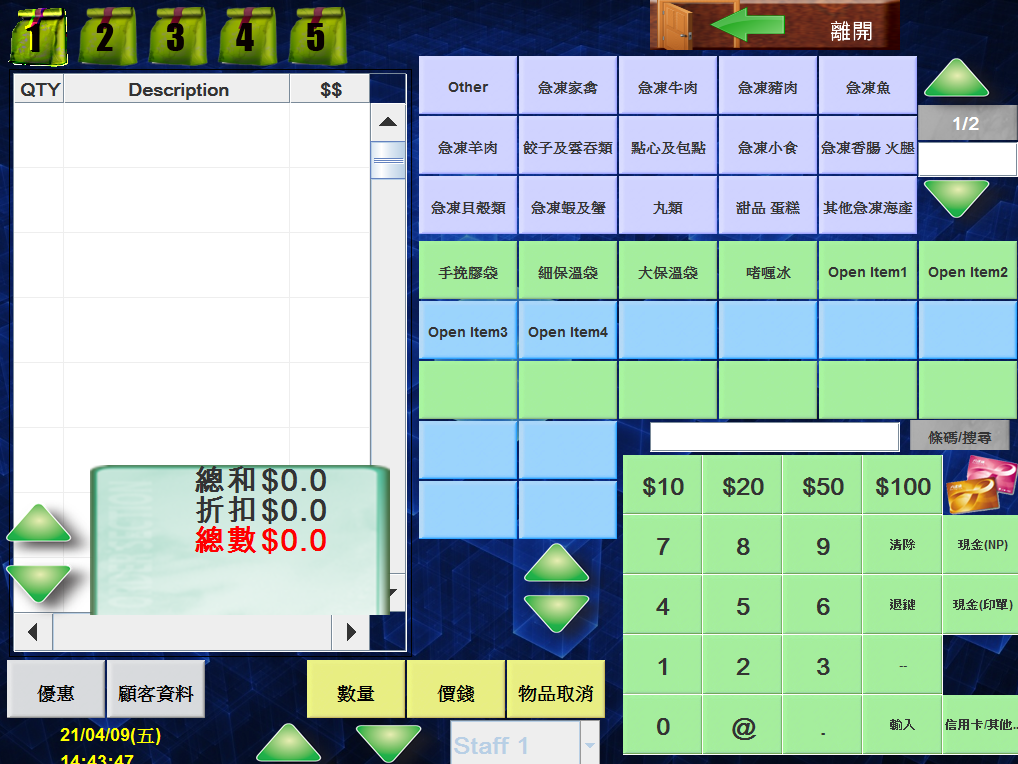
🕒 最後更新:2026-04-26 20:34First, access the POS system and select 'Exit'.
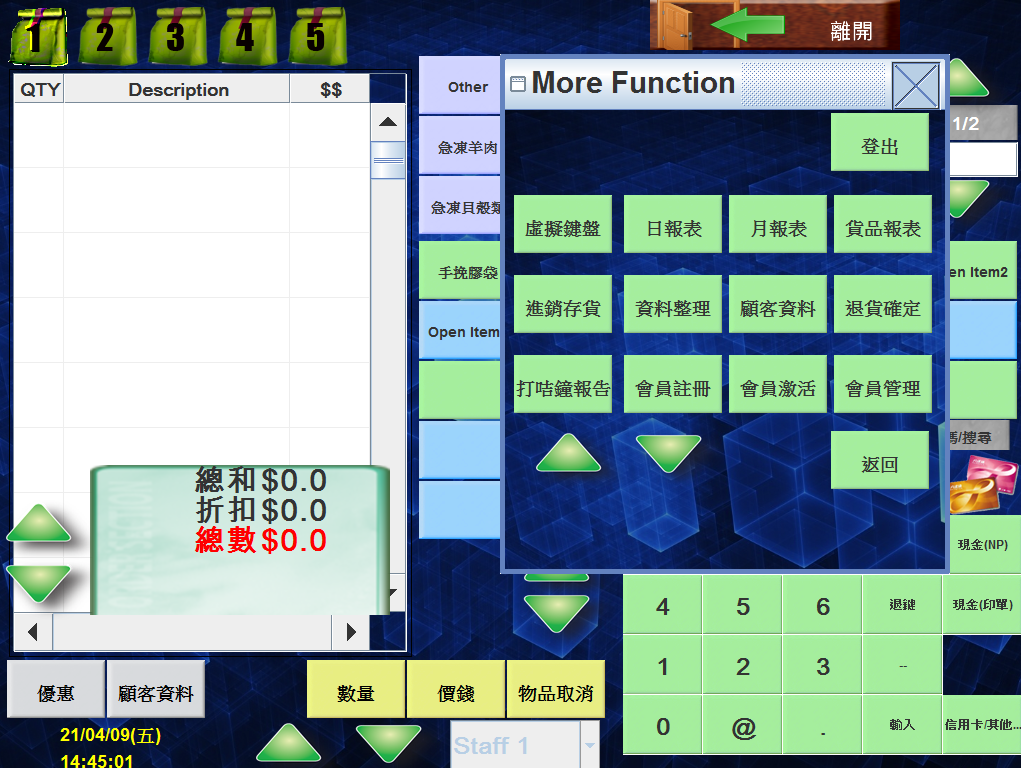
The following screen will appear after selecting 'Inventory Management
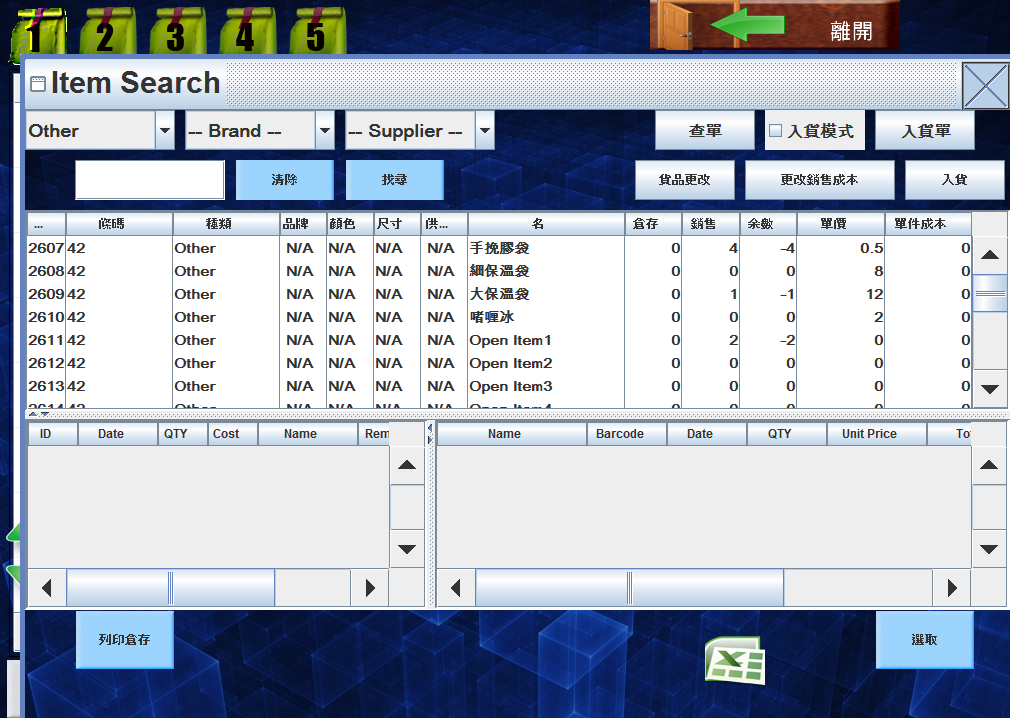
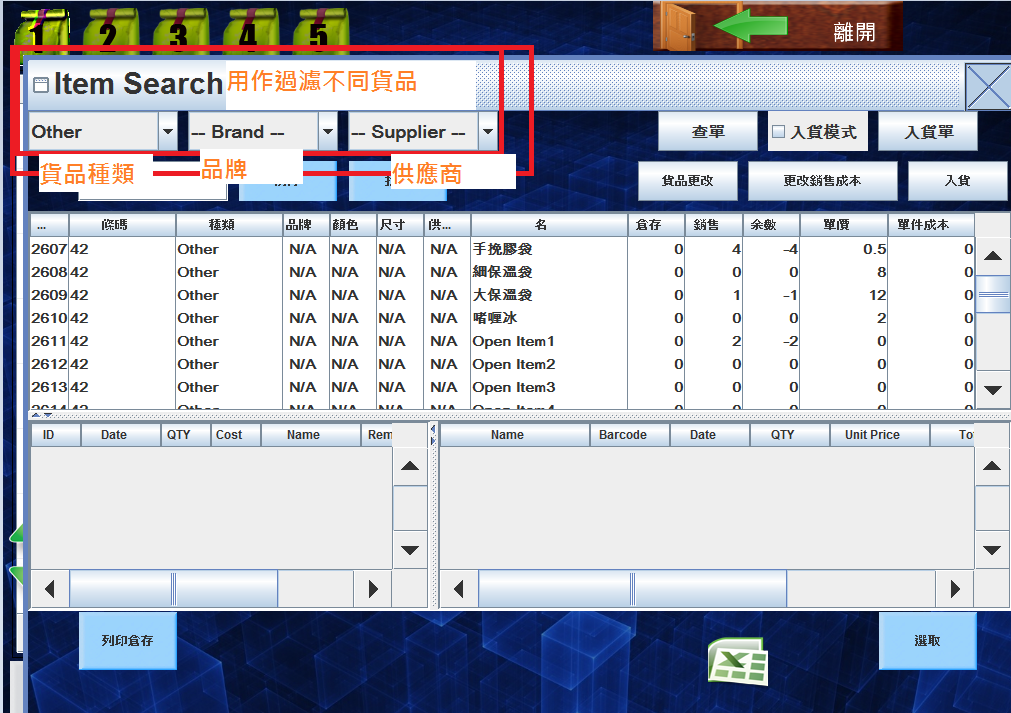
Upon selecting the corresponding item:
-
Item Adjustment (貨品更改): Used to update the existing unit cost (typically used when there is a sudden increase in procurement costs).
-
Sales Cost Correction (更改銷售成本): Used to adjust the cost of goods already sold (primarily used as a solution for data entry errors in cost during initial stock-in).
Example of Item Adjustment:
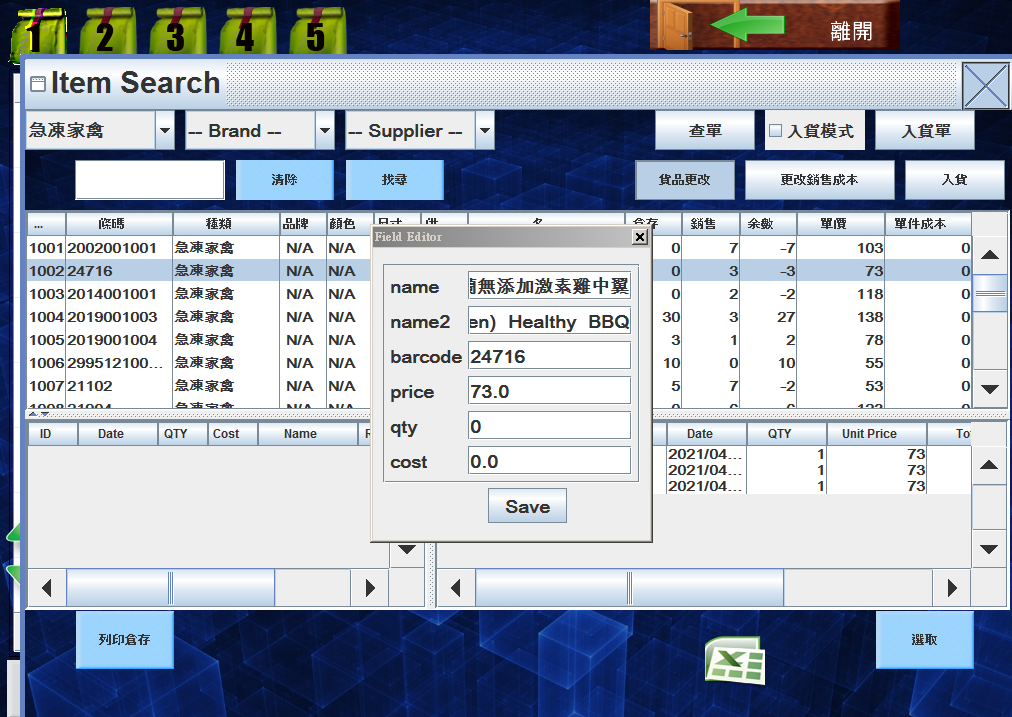
Select 'Save' to complete the process.
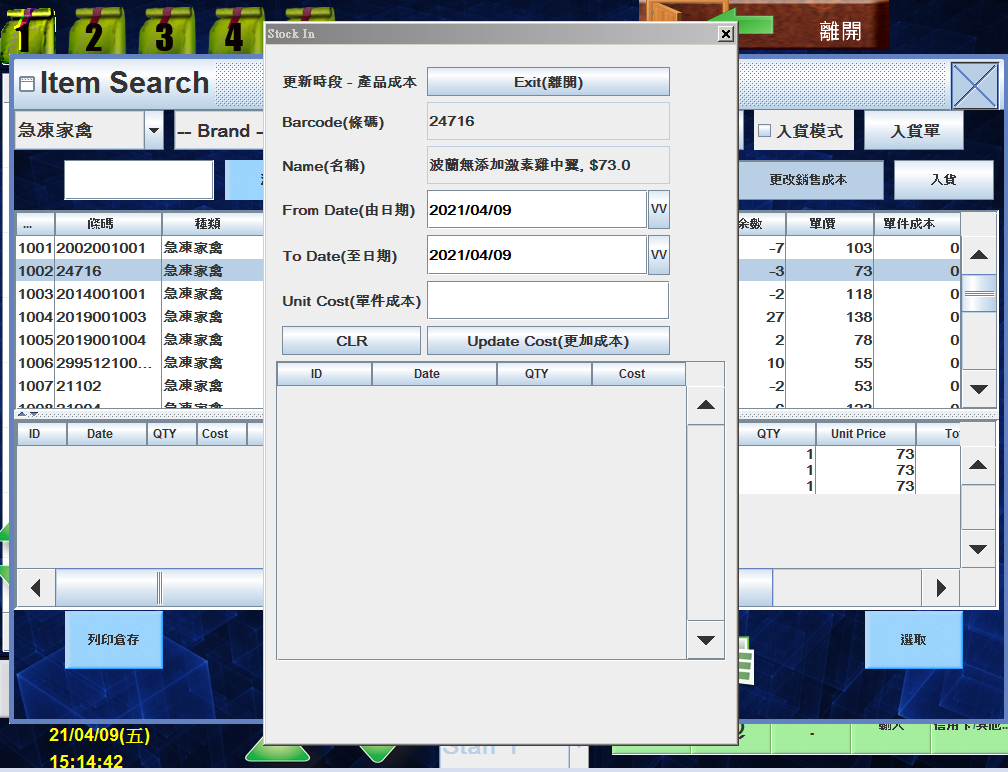
Once the date and cost have been adjusted, select 'Update Cost' to complete the process.
Stock-in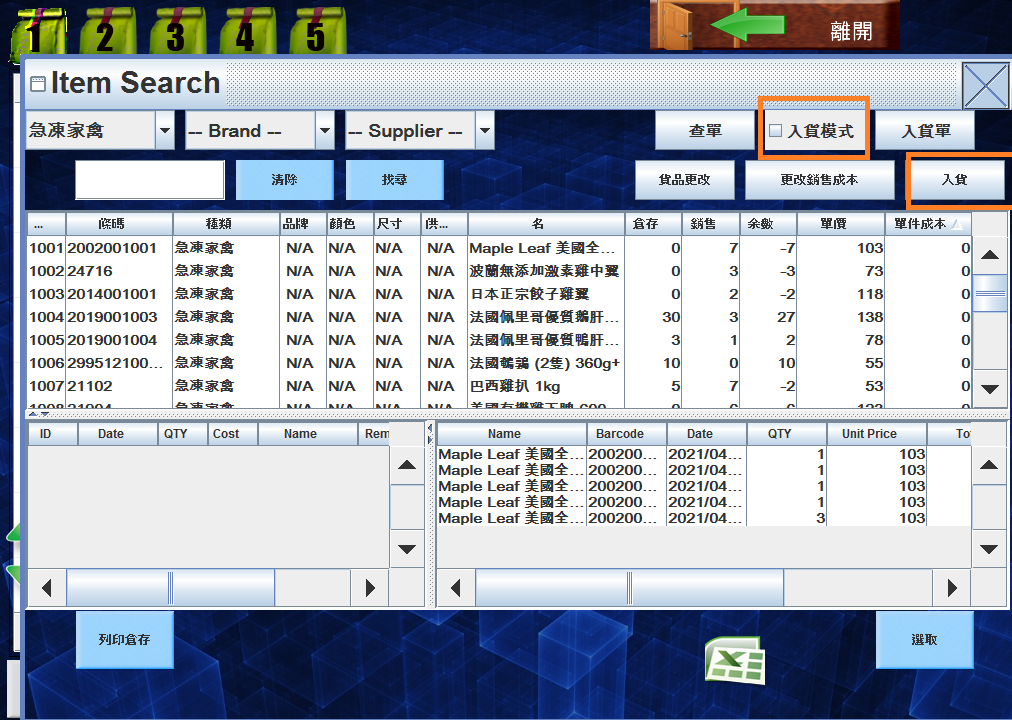
Enable 'Stock-in Mode' for continuous data entry of multiple items.
For occasional or single-item entries, select the specific item and click 'Stock-in.
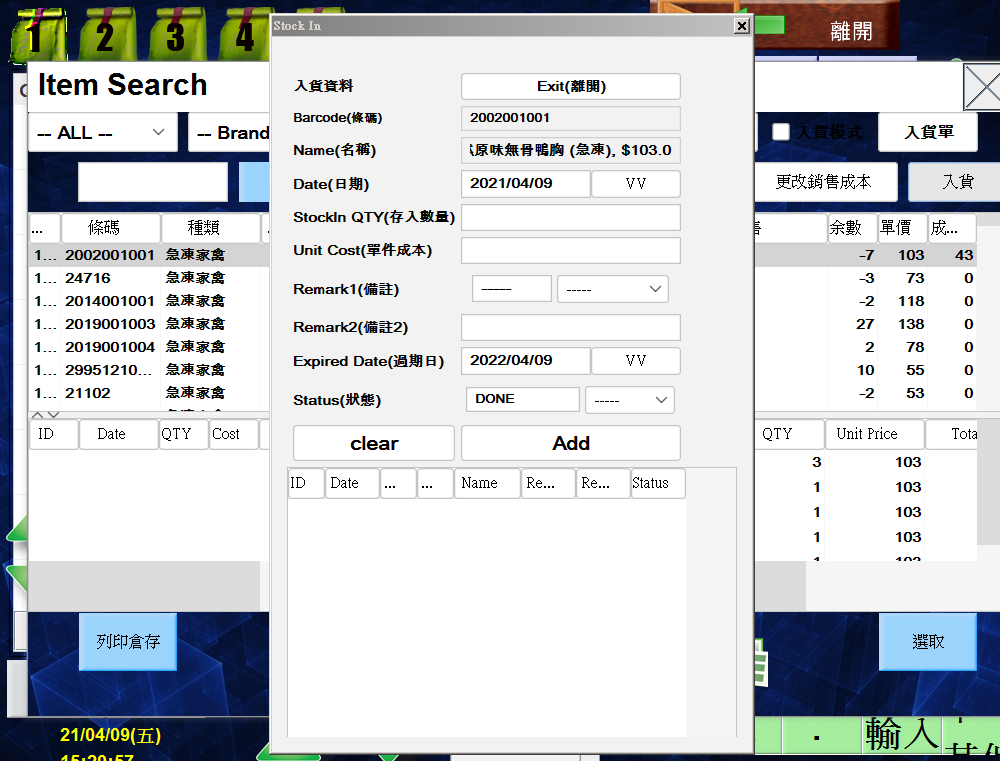
Select 'ADD' to finalize the process.