3H. POS edit table parameter
🕒 最後更新:2026-04-26 20:34- Login POS
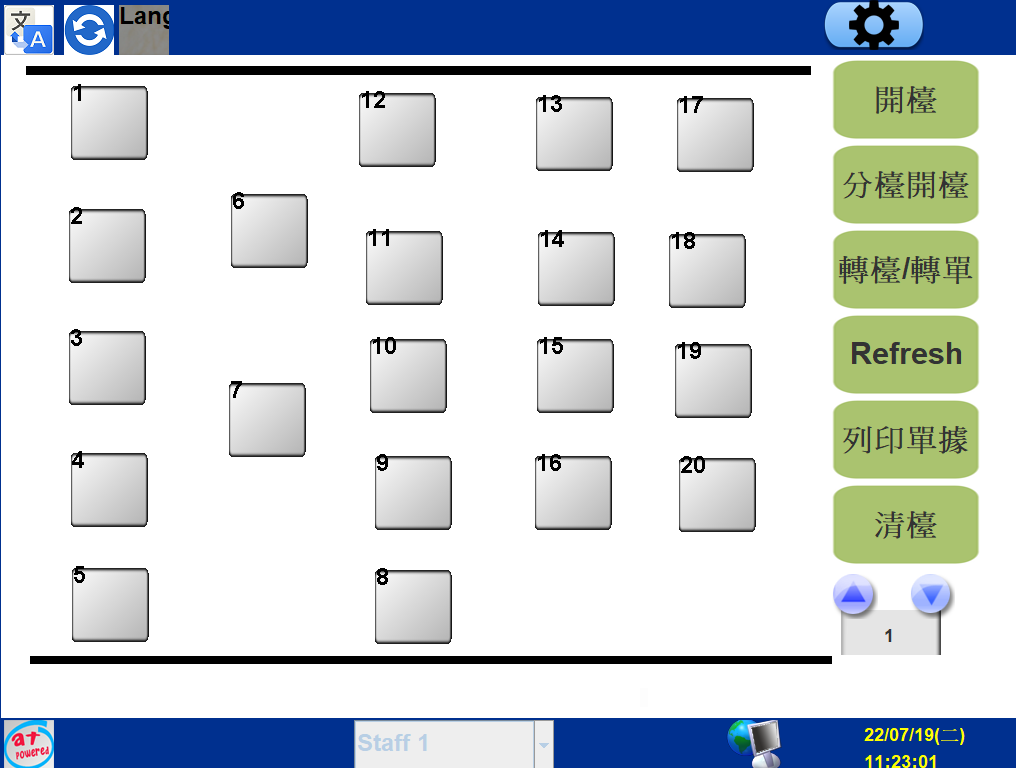
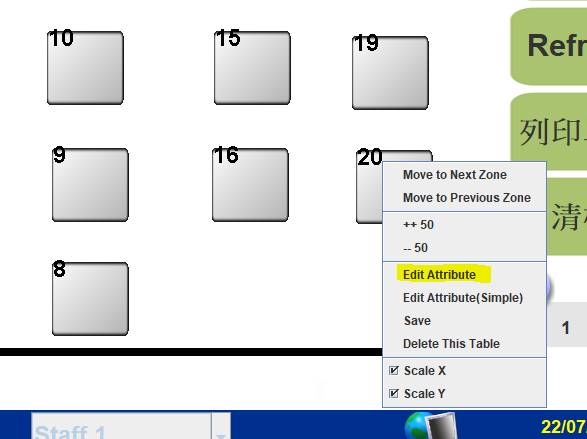
2. Right click the table and click edit attribute
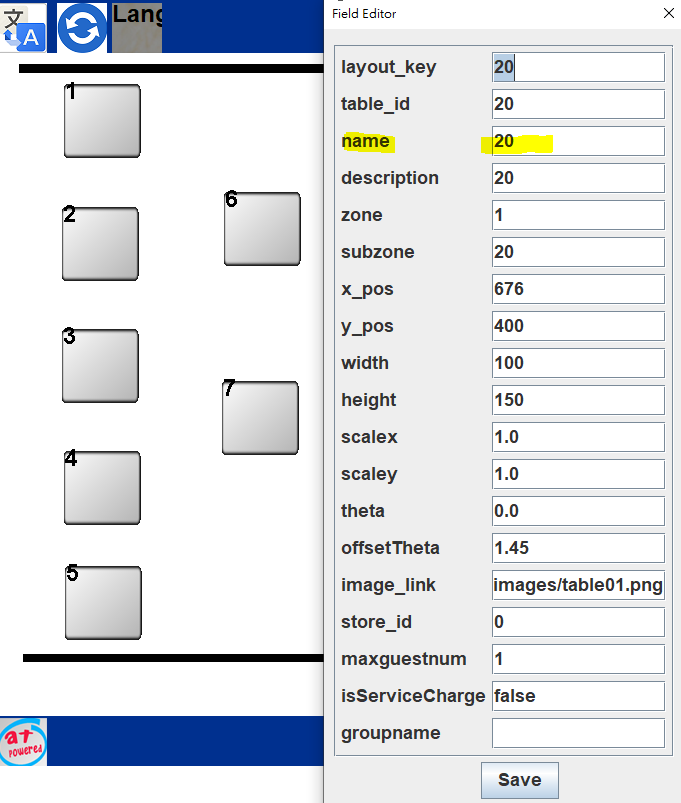
Edit name in name blank & save
x_pos&y_pos are the location of the table
Scalex&scaley are the size of the table
Table_id , don't edit
name = pos table name
Description, don't edit
image_link don't edit
Groupname "take" , the table won't have 10% service charge & print two receipt.